Free plug-in for the Expert Sleepers disting NT
NT DUB MACHINE— One simple chord in, an evolving dub chord out.
A dub techno delay with reverb, grains and eight built-in sounds – with its own full-screen display and hands-on controls.
0 €free & open source · nothing to buy
- disting NT
- firmware 1.19.0+
- 8 sounds

What it does
- Dub delay with filters, saturation and hold
- Dark plate reverb
- Grains made from the echoes
- Slow EVOLVE modulation
- THROW, FREEZE and a ducker
- Tape looper, internal or external clock

Watch
NT Dub Machine in action
A short tour through the sounds, played on the disting NT. The video starts without sound.
Try it
NT Dub Machine Lab
Open the Lab on its own page →The same plug-in code as on the disting NT, compiled to WebAssembly and running in your browser. Play the demo chord or load your own audio file, switch sounds, turn the knobs, export a WAV. Everything stays on your device – nothing is uploaded.
Eight sounds
The sounds
Fogdark, endless – the main sound 
Deep Waterwandering band-pass echo 
Tape Echowarm, wobbly, saturated, narrow 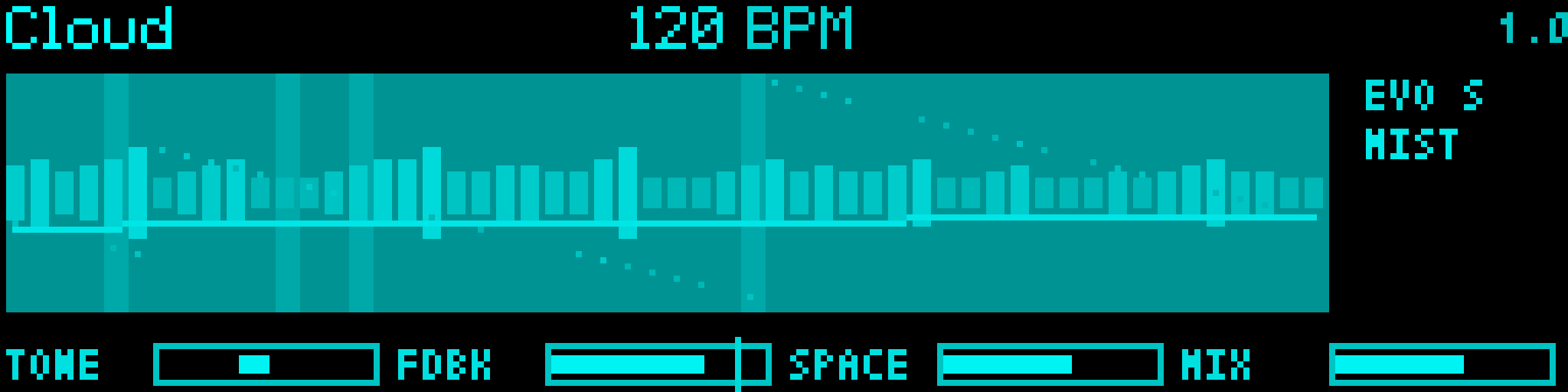
Cloudpad with a long reverb and a grain cloud 
Shimmerairy, with a sheen one octave up 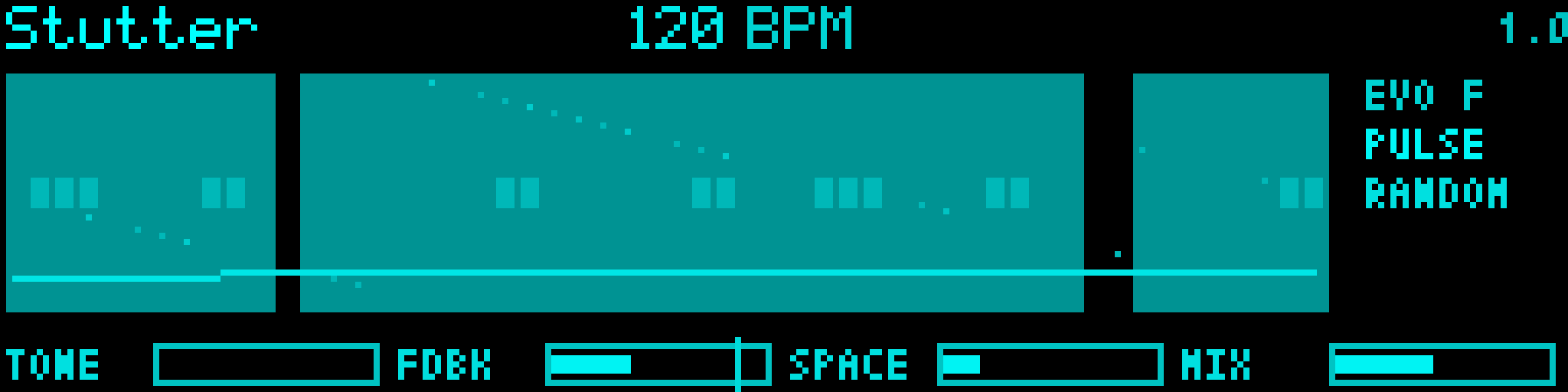
Stutterrhythmic, chopped in time 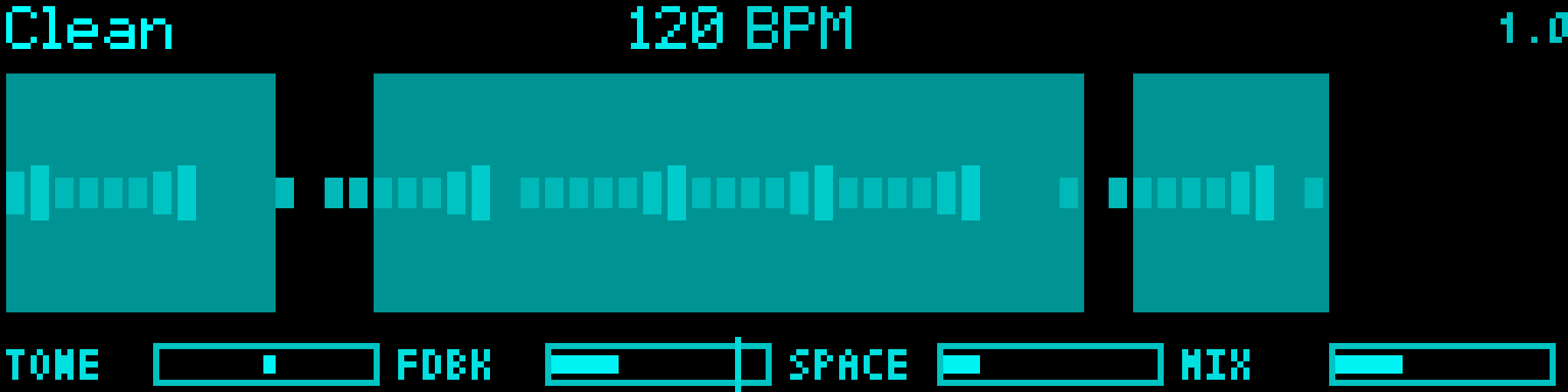
Cleansimple, clear echo 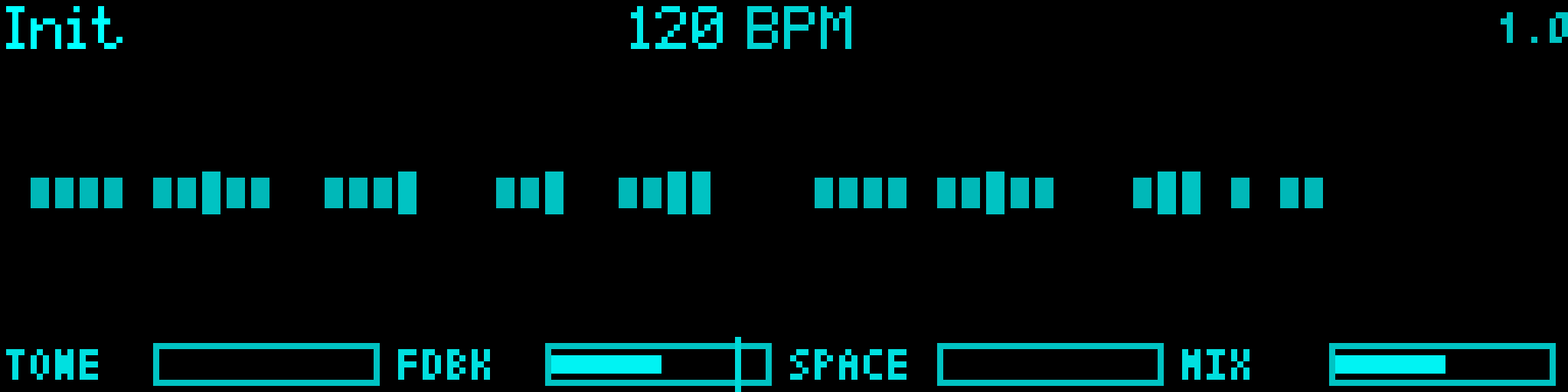
Initthe plug-in defaults
Performance
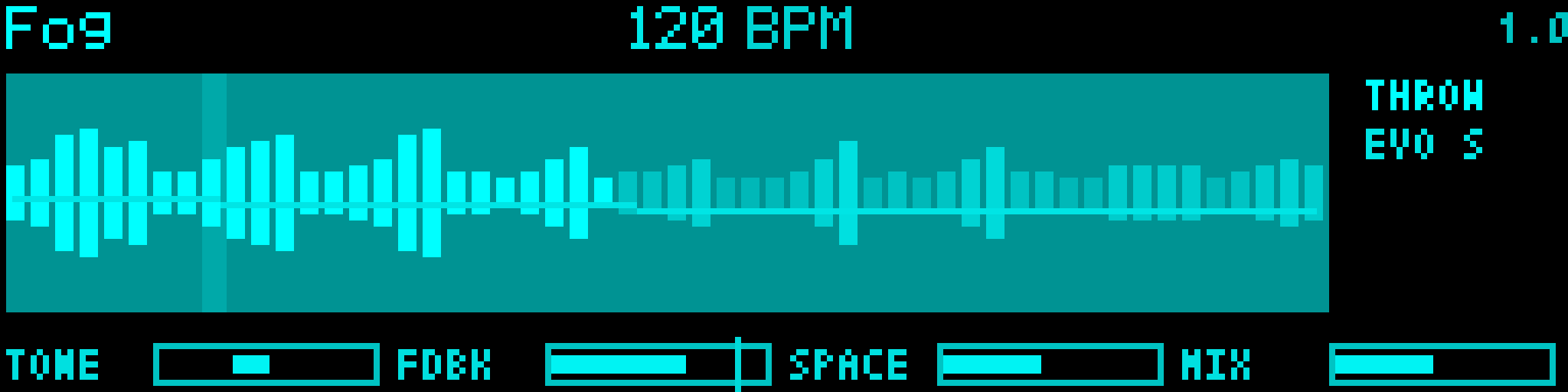
THROWhold button 1 
FREEZEbutton 2
Hands on
Controls
- Left encoderSOUNDTurn to choose one of the eight sounds. Press to reload it.
- Right encoderMIXDry / wet, 1 % per detent.
- Left potTONEDark ↔ bright.
- Centre potFEEDBACK0 to 110 % – above 100 % the echoes hold. Press for EVOLVE: off, slow, fast.
- Right potSPACEThe reverb.
- Button 1THROWHold to throw the sound into the echoes.
- Button 2FREEZEFreeze on / off.
Pots pick up without jumps. THROW, FREEZE and the ducker can also be triggered by gates; any parameter can be mapped to CV, MIDI or i2c with the NT’s own mapping.
Get it
Download & install
NT Dub Machine is free. If you enjoy it, you can support my work on Ko-fi.
Also on GitHub: release v1.0.0 · source code & manual
- NT Gallery: install “NT Dub Machine” from the gallery in nt_helper.
- Or by hand: copy
NT_Dub_Machine.ofrom the release to/programs/plug-ins/on the disting NT’s microSD card, then rescan or restart the NT. - Add NT Dub Machine to a slot, send a chord into inputs 1/2 and listen on outputs 13/14.
Needs disting NT firmware 1.19.0 or later. Free & open source (MIT).
NEUMENNE
Dub techno and ambient with Eurorack, Elektron gear and field recordings. If you like the plug-in, have a listen.
Free & open source (MIT). NT Dub Machine is an independent plug-in by NEUMENNE. “disting” is a product of Expert Sleepers Ltd; this project is not affiliated with or endorsed by Expert Sleepers.